How it works
A literature map you can [steer].
A finished map of a field is useful once. Lacunav starts from your own idea, so every field, paper and gap it shows is about your question. Here is the method, step by step.
01 · Seed
Start with one sentence
Describe what you are researching, in your own words or as keywords. Lacunav frames it into three things: a thesis (what you are arguing), a search query, and a home field. You can edit the thesis at any time, and every later reading follows it.
The thesis matters most. Every paper is later read against it, so the map can tell you which work supports your argument, which contradicts it, and where nobody has tested it yet.
“Do AI tutors actually help students learn, or do they just hand them the answers?”
Framed by Lacunav| Thesis | Generative AI tutors improve learning only when they are designed to make students think, not to hand them answers. |
|---|---|
| Query | generative AI tutor learning outcomes over-reliance |
| Home field | Learning sciences · Educational technology |
02 · Areas
Near, adjacent and deliberately far
The seed fans out into six research areas on three rings: two near, two adjacent and two far. Near areas are your own field. Adjacent ones share methods or populations. Far ones are where unexpected bridges come from, the fields you would not think to search.
Each area says why it belongs on your map. You can add your own areas at any time, and each one pulls its own papers.
03 · Papers, read in stages
Fast first, deep where it matters
Each area searches Consensus and brings back real papers: title, authors, year, journal, citations, link and DOI. Then Lacunav reads them in three stages, so the map fills quickly and the slow work goes to the papers that deserve it.
Appears instantly, with the record’s metadata.
A quick batched read of each paper: its main claim, and where it stands on your thesis.
From the abstract: method, findings, limits, what it leaves open, and one gap candidate.
04 · Your work as anchor
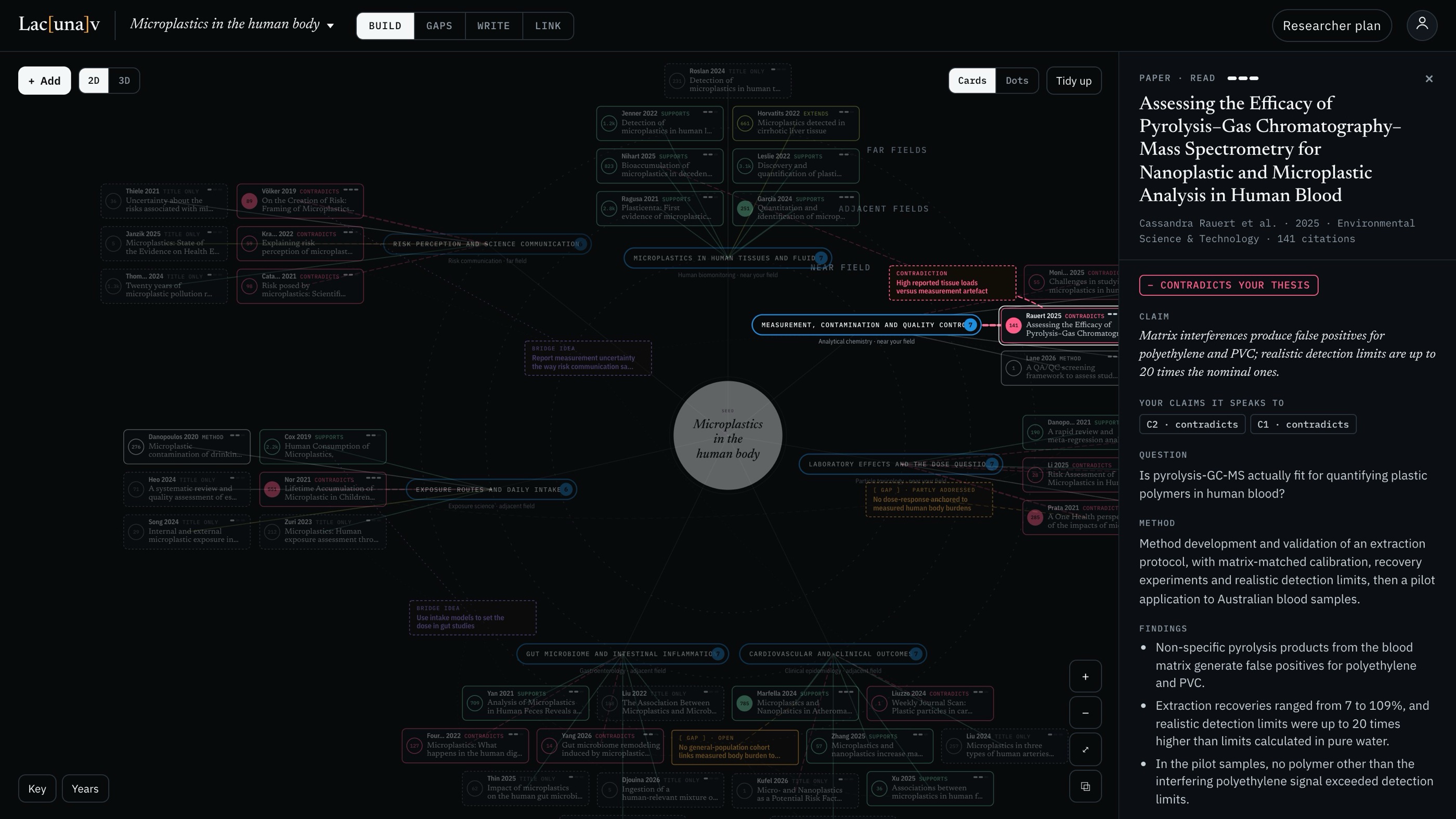
Your papers, in gold
Add your own publications by DOI or title (looked up on Crossref), by hand, from a Zotero collection, or from a BibTeX or RIS file. They sit on the map in gold.
From then on every skim, deep read, synthesis and review is written against them. A gap you have already filled is not a gap for you, and a bridge that starts from your own paper is a natural next article.
05 · Claims × areas
Where your thesis has evidence, and where it has none
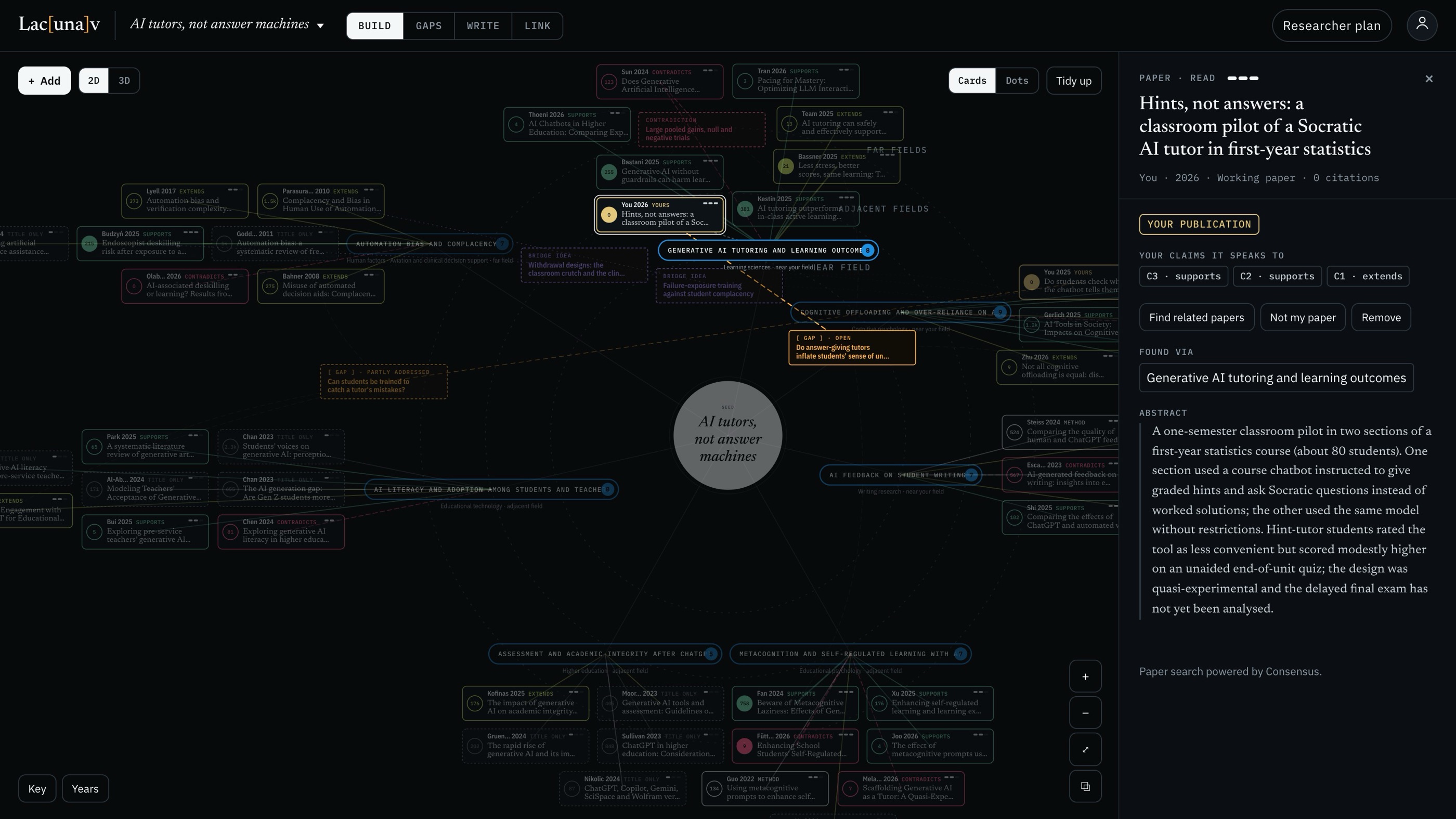
Lacunav splits your thesis into four to six claims and maps every paper onto them. The result is a grid of areas against claims. Full cells show evidence; [ ] cells show combinations nobody has tested.
Gaps are ranked by how empty they are, and cells where papers disagree are flagged as contested.
06 · Synthesis and the gap check
From papers to findings, and from findings to proof
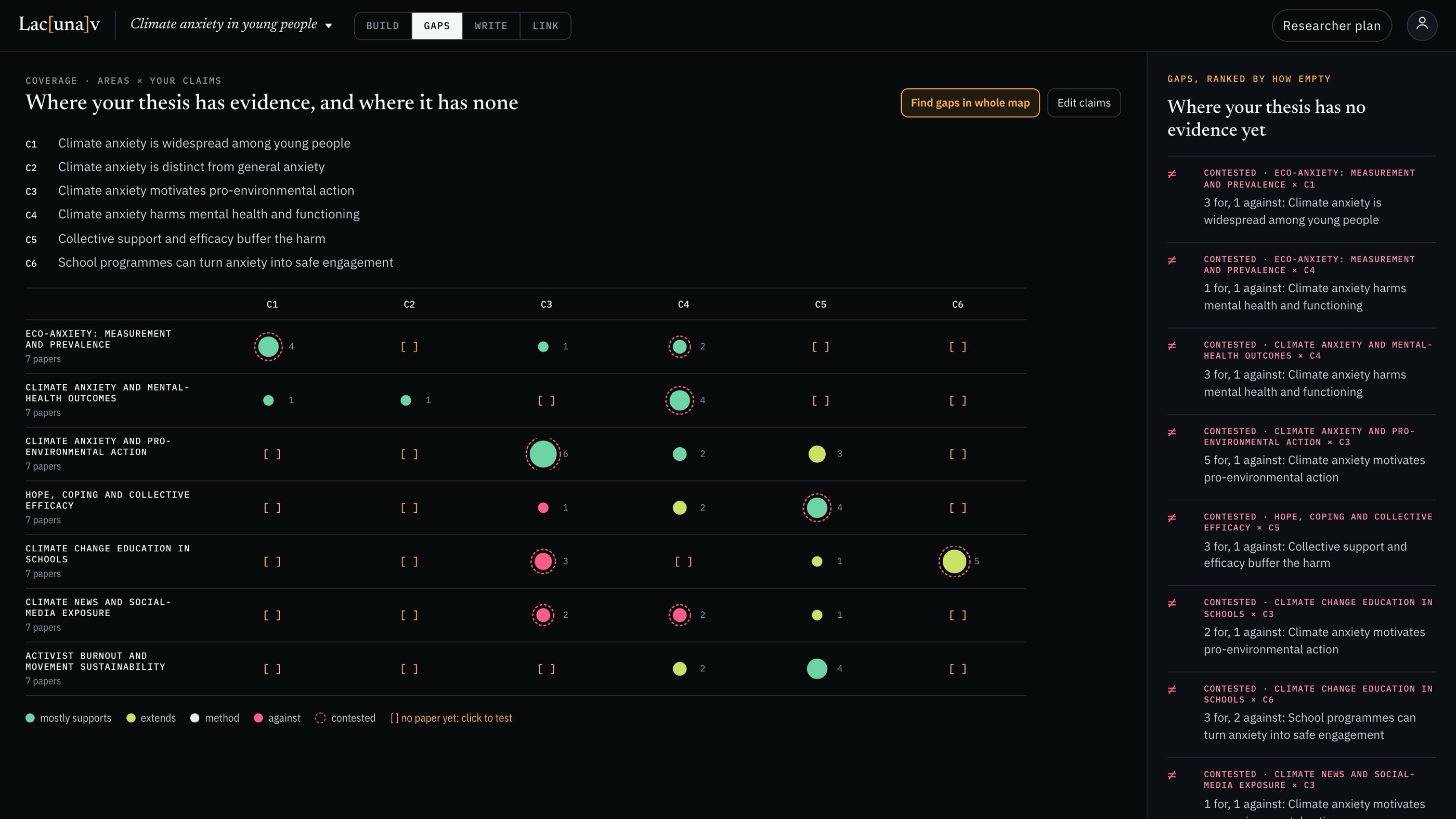
Select papers across areas and Lacunav names what they add up to. Each finding becomes a node on your map, tied to the papers it came from.
What the selected studies establish together.
Where studies disagree: often a debate paper waiting to be written.
Questions the literature leaves open, with the papers they sit between.
Ideas that connect two areas or two of your own research lines.
Every gap can be checked
Proposing a gap is easy. Lacunav also writes a test query for it, runs a fresh Consensus search, and reports the closest studies it finds with a verdict. You can run the query again yourself.
| Verdict | What it means |
|---|---|
| Open | No close study found. A strong lead to verify, and a candidate for a paper or proposal. |
| Partly addressed | Related work exists but leaves part of the question open, e.g. studied in small pilots but never in a powered trial. |
| Addressed | Someone has done it. Lacunav shows you who, so you can drop the idea or build on it. |
07 · Write and export
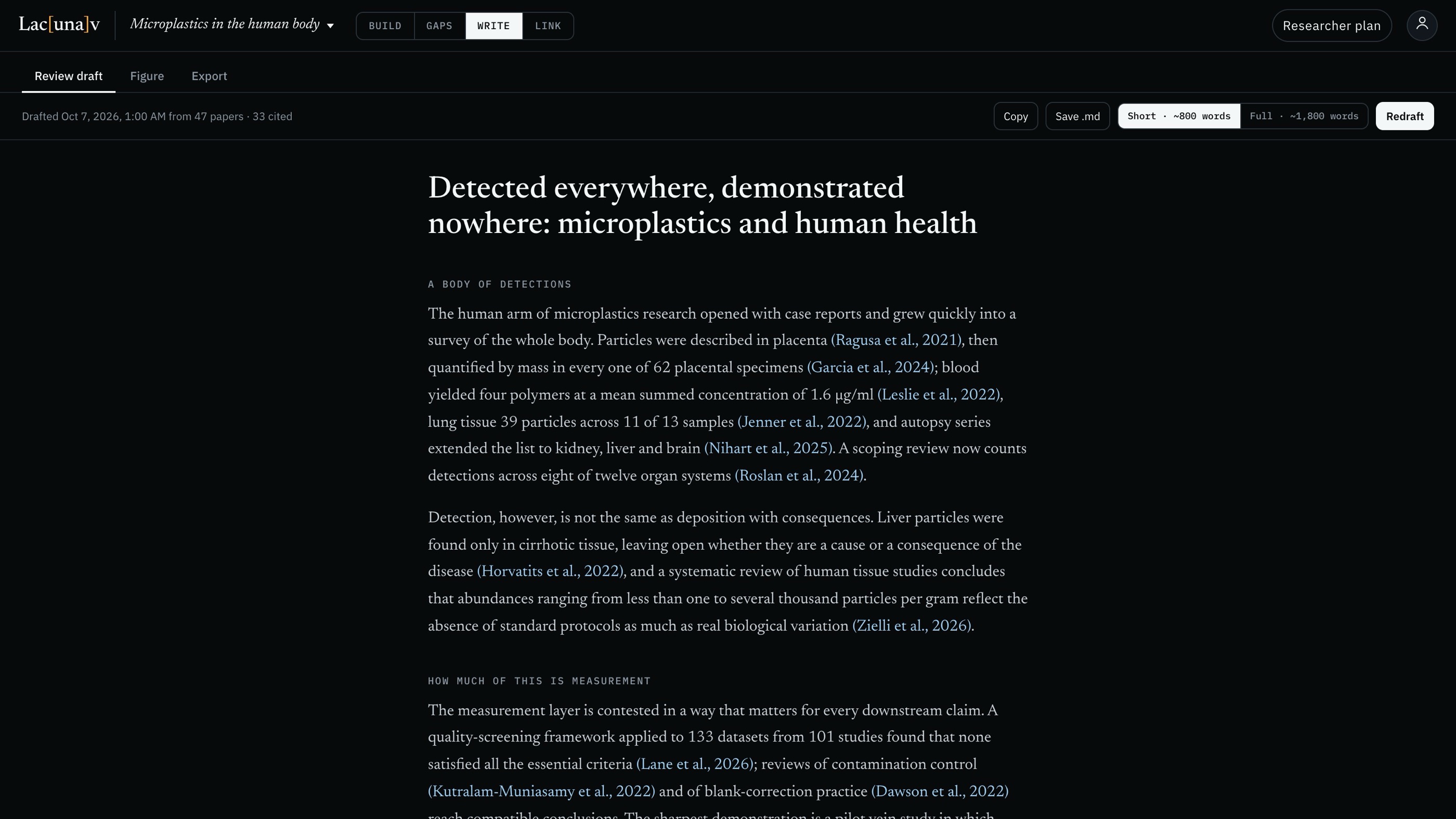
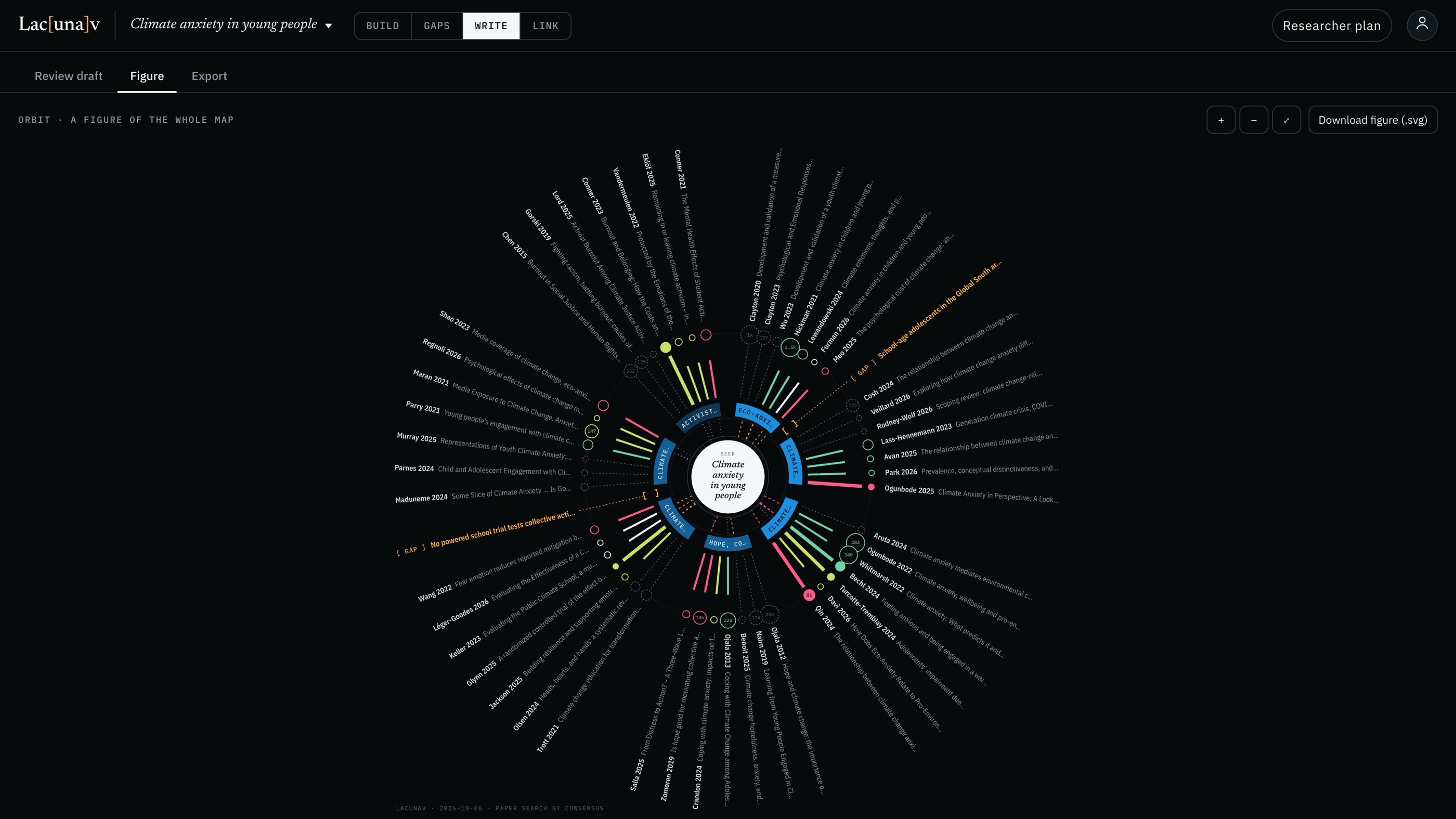
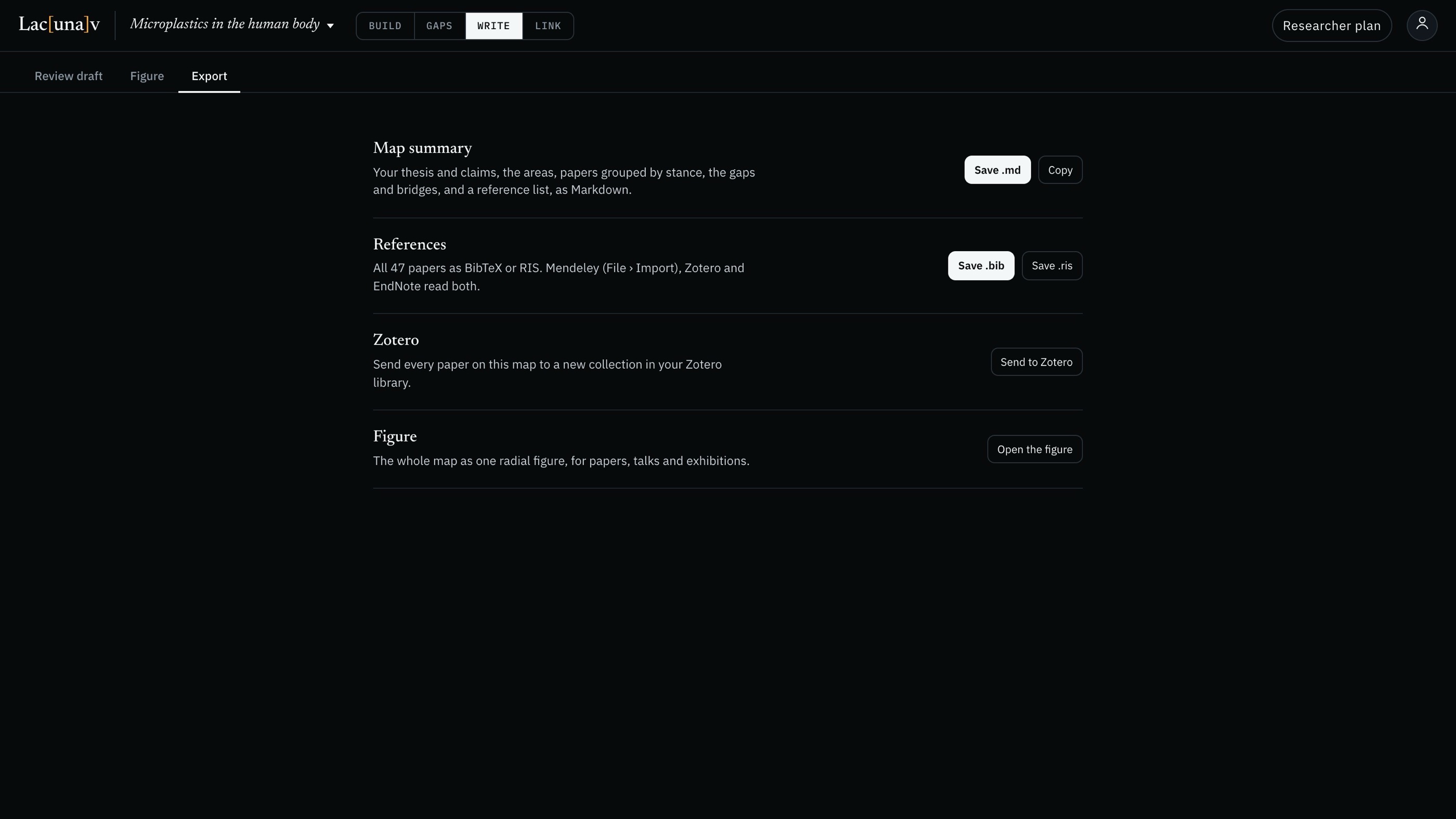
Leave with something you can use
08 · Link
Two research lines, one bridge
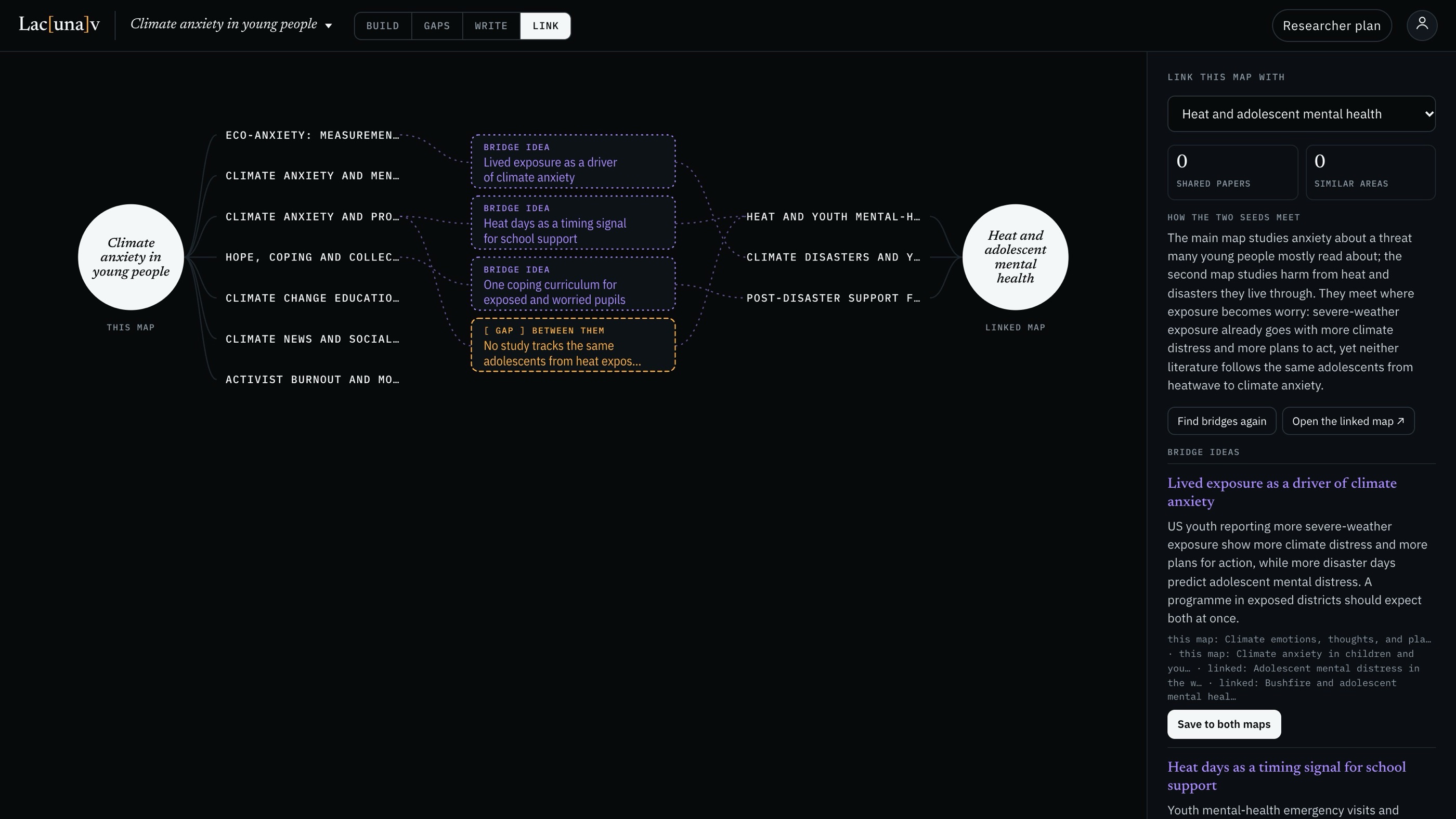
Put any two of your maps side by side. Lacunav counts the papers and areas they share, proposes bridge ideas between them, and names the gap neither line has covered.
Save a bridge and it appears in both maps, so each line of work knows about the other.
Four views, four jobs
See the same map the way the task needs it
Work
Paper cards around their areas. Drag branches, tidy, switch to dots when the map gets big.
Explore
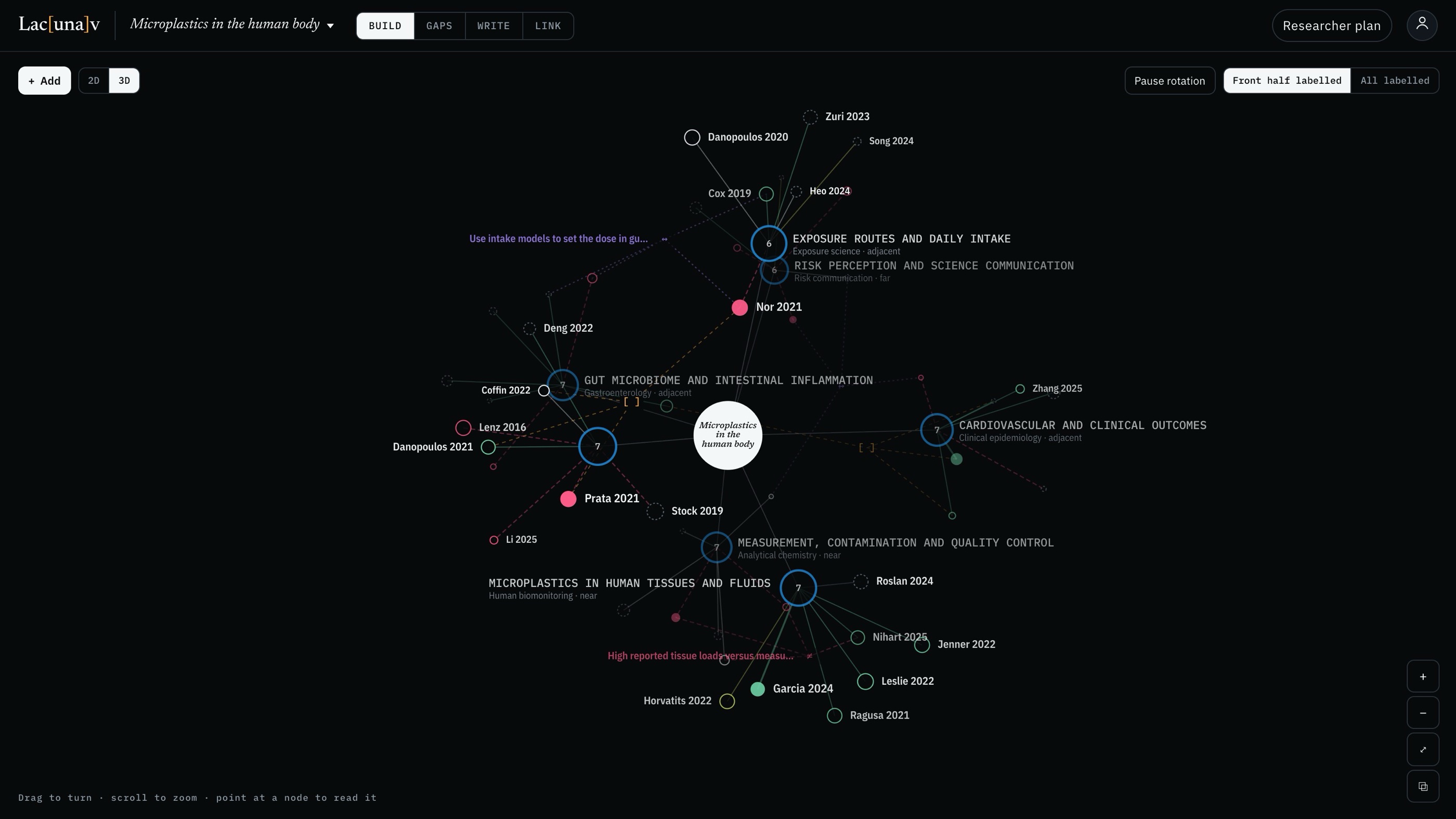
A force-directed view of the whole field. Rotate it to see clusters and the holes between them.
Find gaps
The claims grid: evidence, contradictions and empty cells at a glance.
Show
A radial figure for papers, talks and slides, exported as SVG.
Your maps stay yours
Private to your account. Backed up to a file whenever you like.
Download any map as a file, back up all of them at once, and open map files from colleagues as new maps of your own.